Liaison

Liaison's Centralized Application Services (CAS) is a holistic solution for end-to-end application needs. From amplifying your program offerings to completing back-office operational support, CAS is the world's largest admissions office.
Our goal with this project is to provide users of Liaison's CAS platform with not only a toolbox but also guidance. We aim to address challenging tasks that may hinder users from effectively sending emails,and conducting email campaigns thus enhancing user experience on the platform.

Immersion
Interviews
Competitive analysis
UX Observation
Immersion
User Reviews/feedback/Complaints Analysis :
Liaison had been collecting feedbacks over time. We actively sought feedback from users, and what we heard consistently was dissatisfaction with the manual bulk messaging system on the existing platform. Users expressed a need for significant improvements in the messaging process.
Thorough Audit (Heuristics Review):
We took a deep dive into the intricacies of the current bulk messaging system through a comprehensive audit. What we found during this process was that the concerns raised by users were not only more complex but also had a more significant impact than we initially anticipated. We pinpointed specific pain points within the system that were hindering user satisfaction and impeding efficient communication.
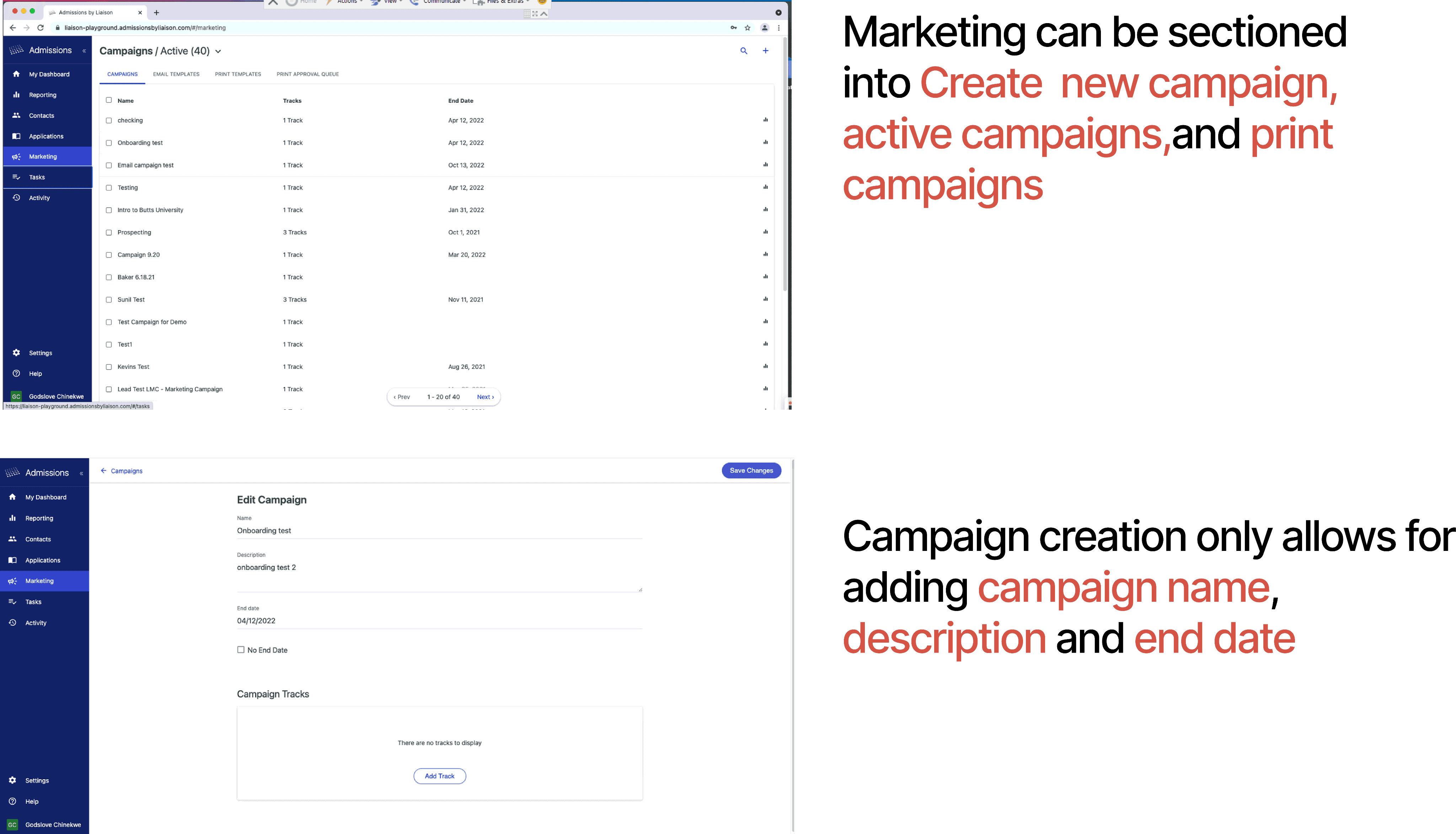


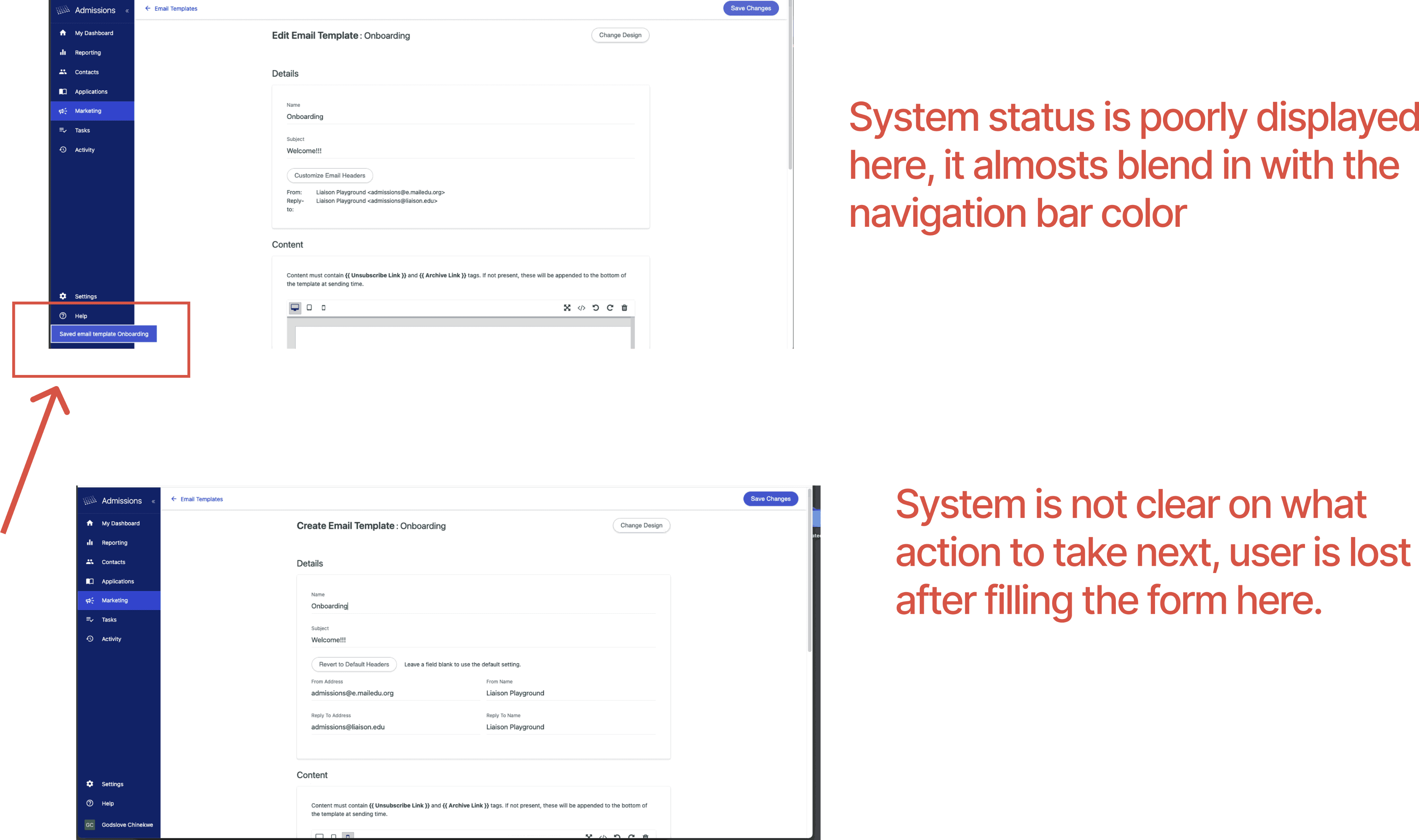
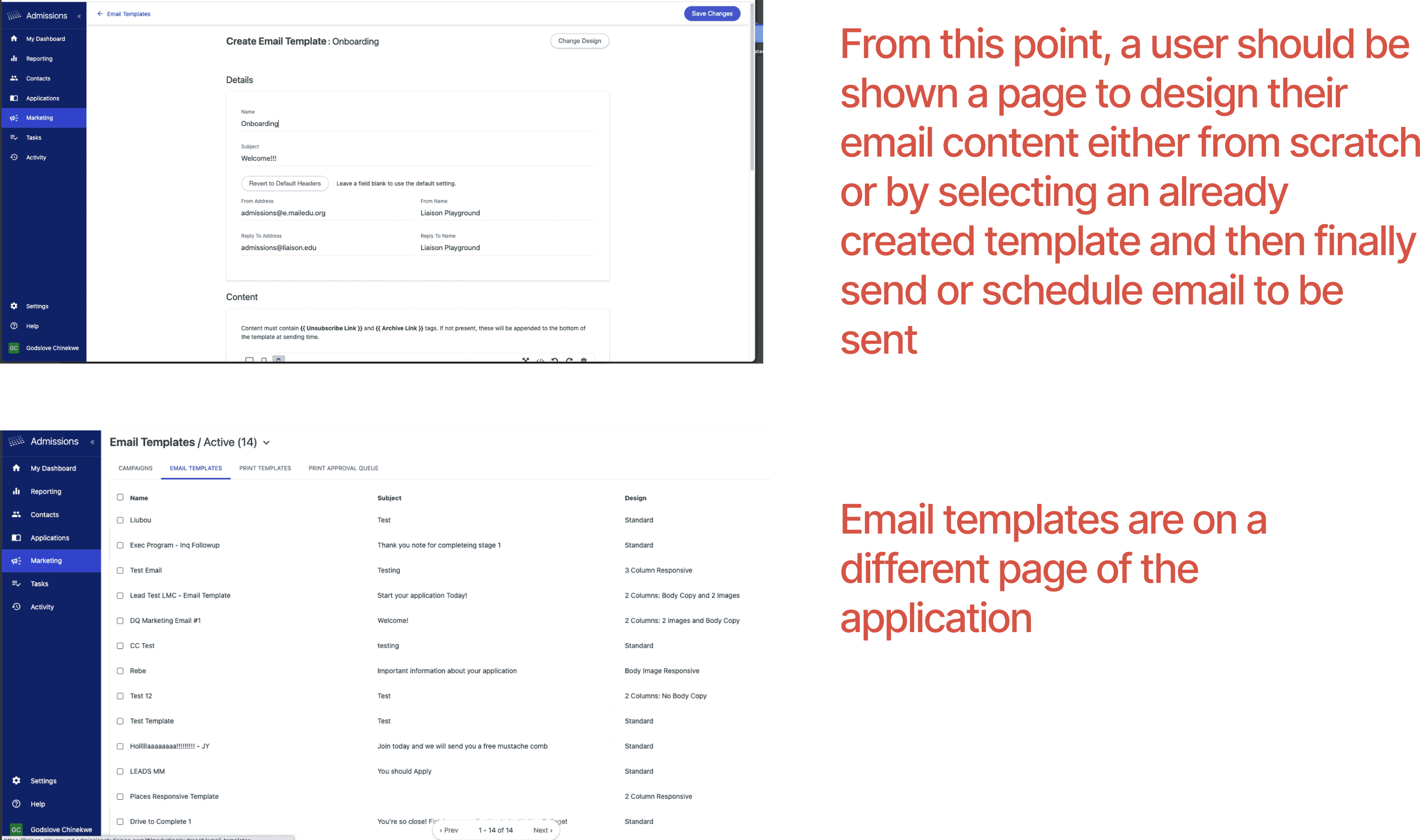


Full Usability Heuristics Review
Here is a link to the full heuristics review that was done on the website
Utilized Screenshots and Comparative Analysis:
To visually capture the user experience, we took screenshots of the existing platform. Through a meticulous comparative analysis, we compared the platform's messaging features with those of similar systems. This helped us identify areas where the existing platform either lagged behind or excelled in comparison to industry standards.
Interviews
In-Depth Interviews with Liaison Users:
Engaging in several one-on-one virtual interviews with liaison users, we focused on understanding their day-to-day experiences with bulk messaging. These conversations delved into user workflows, challenges faced, and suggestions for improvement. The goal was to gain qualitative insights into user sentiments and preferences related to the messaging system.

Survey Questionnaires for Additional Feedback:
Designed and distributed survey questionnaires to a broader user base, we aimed to collect quantitative data to complement the qualitative insights from interviews and reviews. The diverse perspectives gathered through these surveys helped validate our findings and gather consensus on critical areas for improvement.
These are some of the sample questions that were asked.
How would you rate your experience with the current bulk messaging system?
What challenges do you face when managing and sending bulk messages on the platform?
Have you encountered any specific issues or limitations with the existing system?
How satisfied are you with the efficiency of the current bulk messaging process?
Are there features or functionalities you believe are missing or could be improved?
How do you feel about the overall user-friendliness of the platform's messaging tools?
Have you explored alternatives or similar platforms for bulk messaging? If so, how do they compare?
Would you prefer more automation in the bulk messaging process, and if yes, what aspects specifically?
How would you describe your interactions with the platform compared to your expectations?
What improvements would you suggest to enhance the user experience of the bulk messaging system?
Review Analysis for Issues and Solutions:
By scrutinizing user reviews, both positive and negative, we extracted valuable insights into specific issues faced by users. This process allowed us to identify recurring themes and patterns in user feedback, helping us prioritize areas for enhancement. We then formulated potential solutions based on the identified issues, with the aim of effectively addressing user concerns.
Deep dive into bulk messaging and email campaigns.
After understanding the users and their challenges we also looked out for Best Practices in email campaign software. To gain a more holistic understanding of the email campaign landscape, we embarked on an immersion journey into multiple platforms:
Mailchimp, Get Response, ConvertKit, Sendinblue, Constant Contact. By exploring these platforms as a user, and examining their user interfaces, functionalities, and overall user experience, we gathered firsthand knowledge of the strengths and weaknesses each platform presented. First, we looked at important things about email campaign
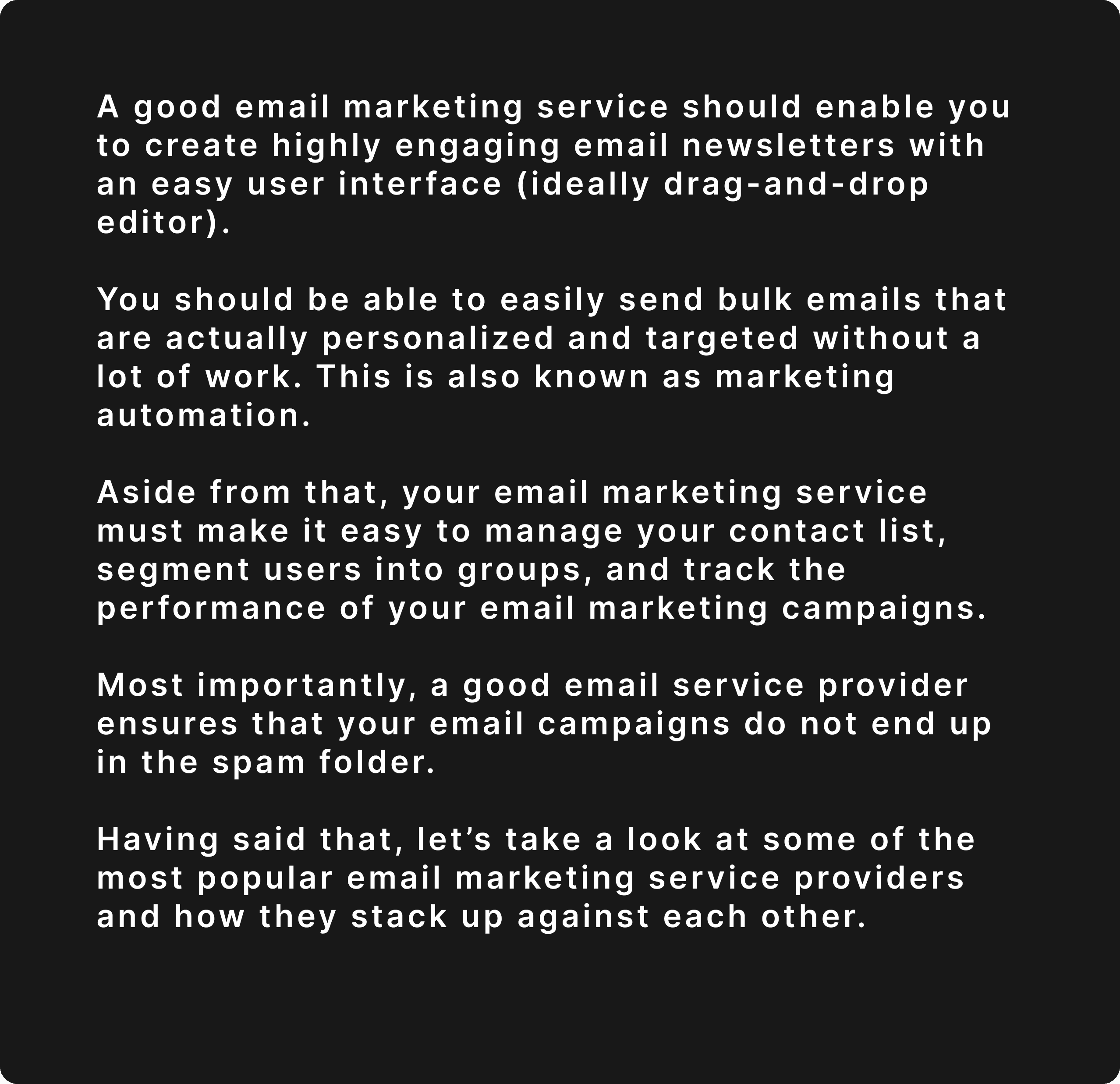
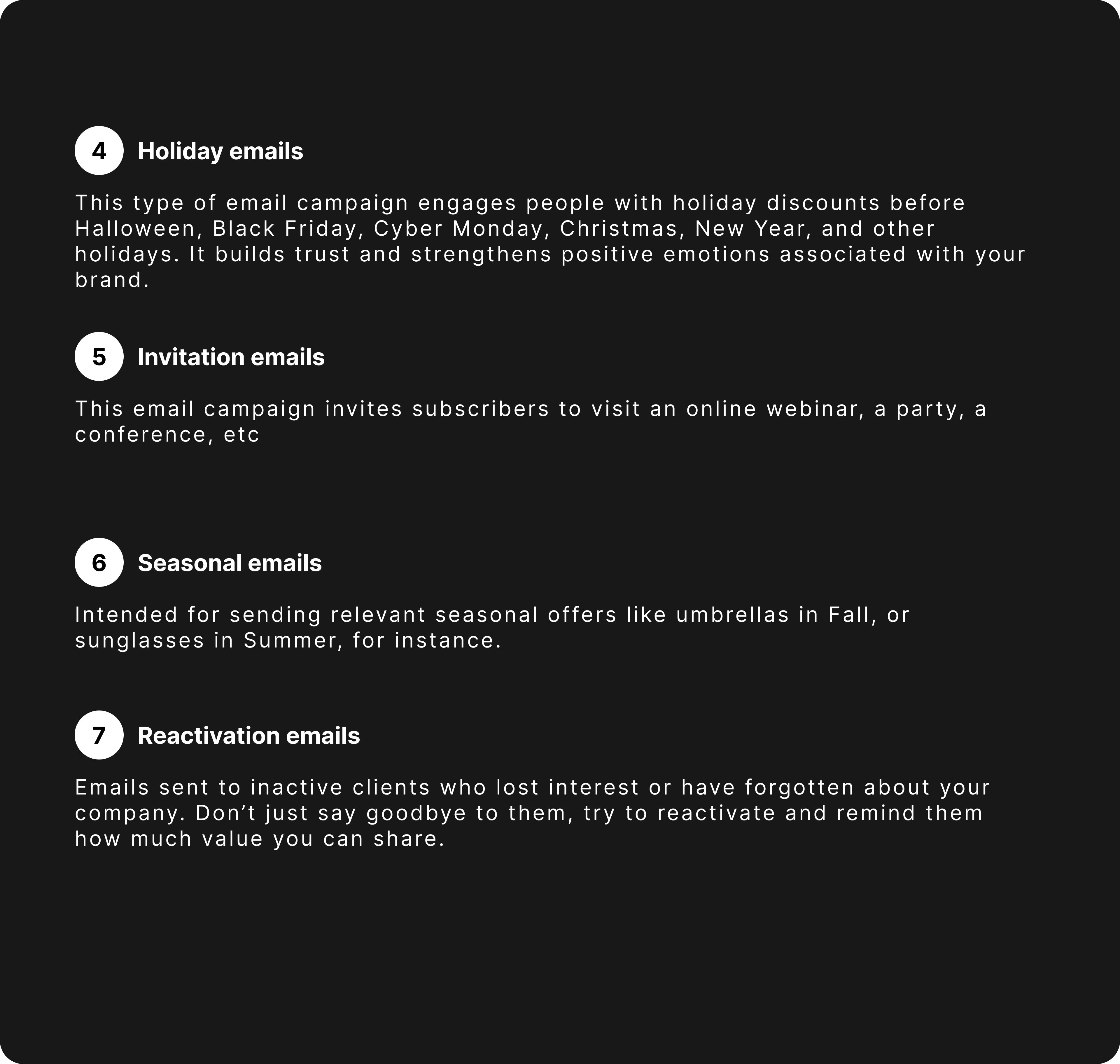
What is Email campaign

Why does email campaigns matter?

Why Choosing The Best Email Marketing Service is Important?
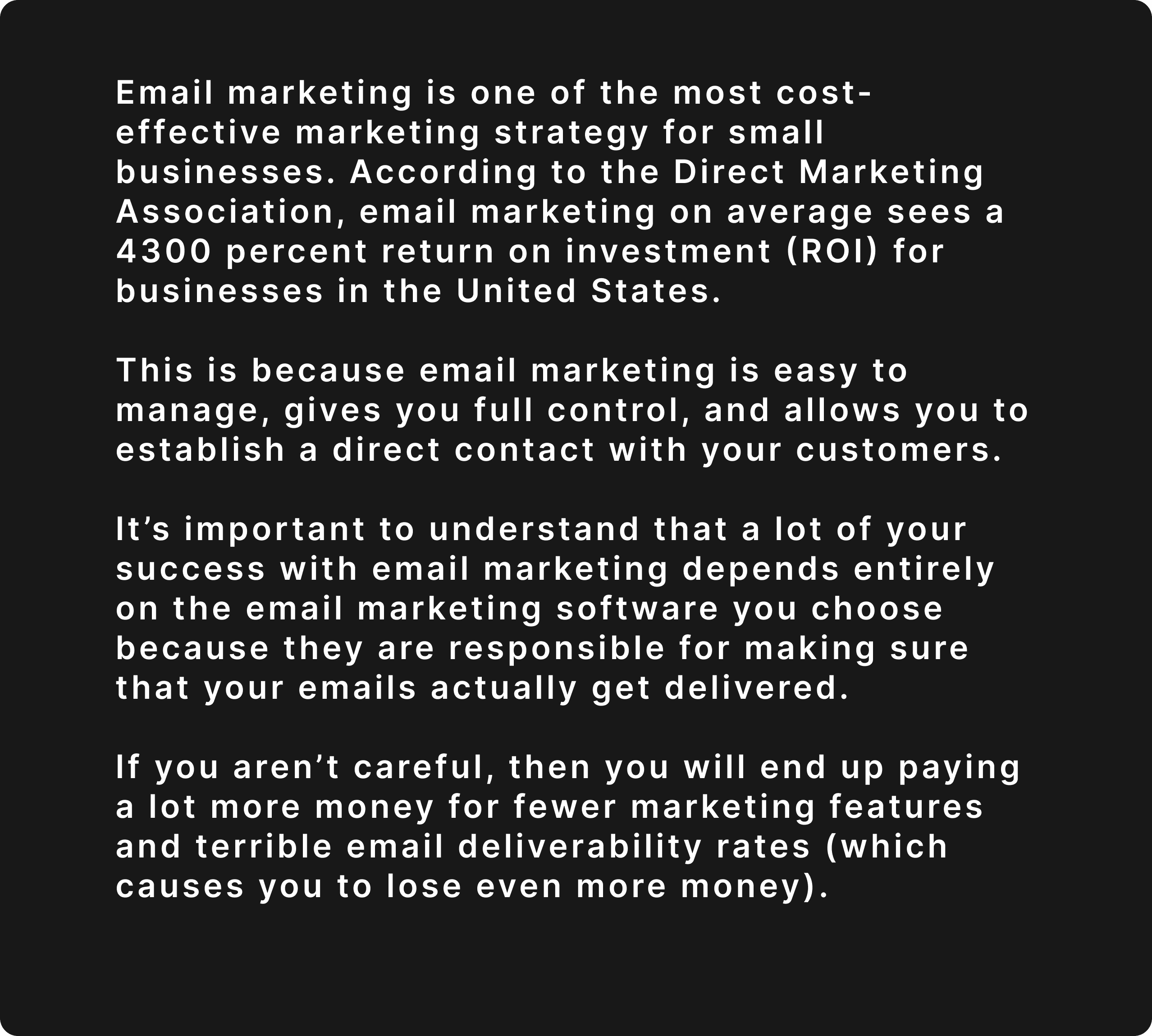
What to Look for in a Good Email Marketing Tool?



Different Email Campaign platform


Competitive Analysis

UX Observations
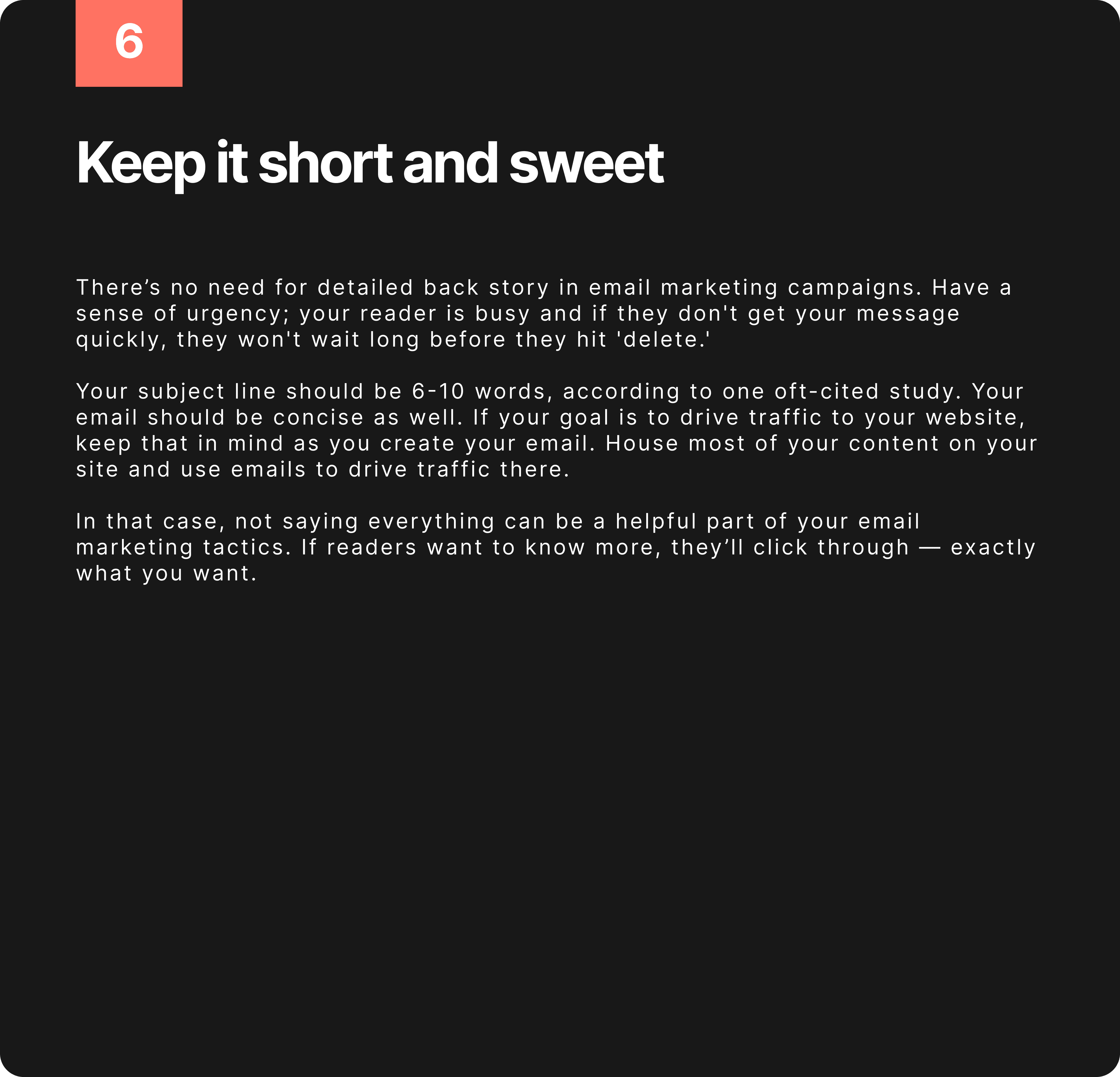
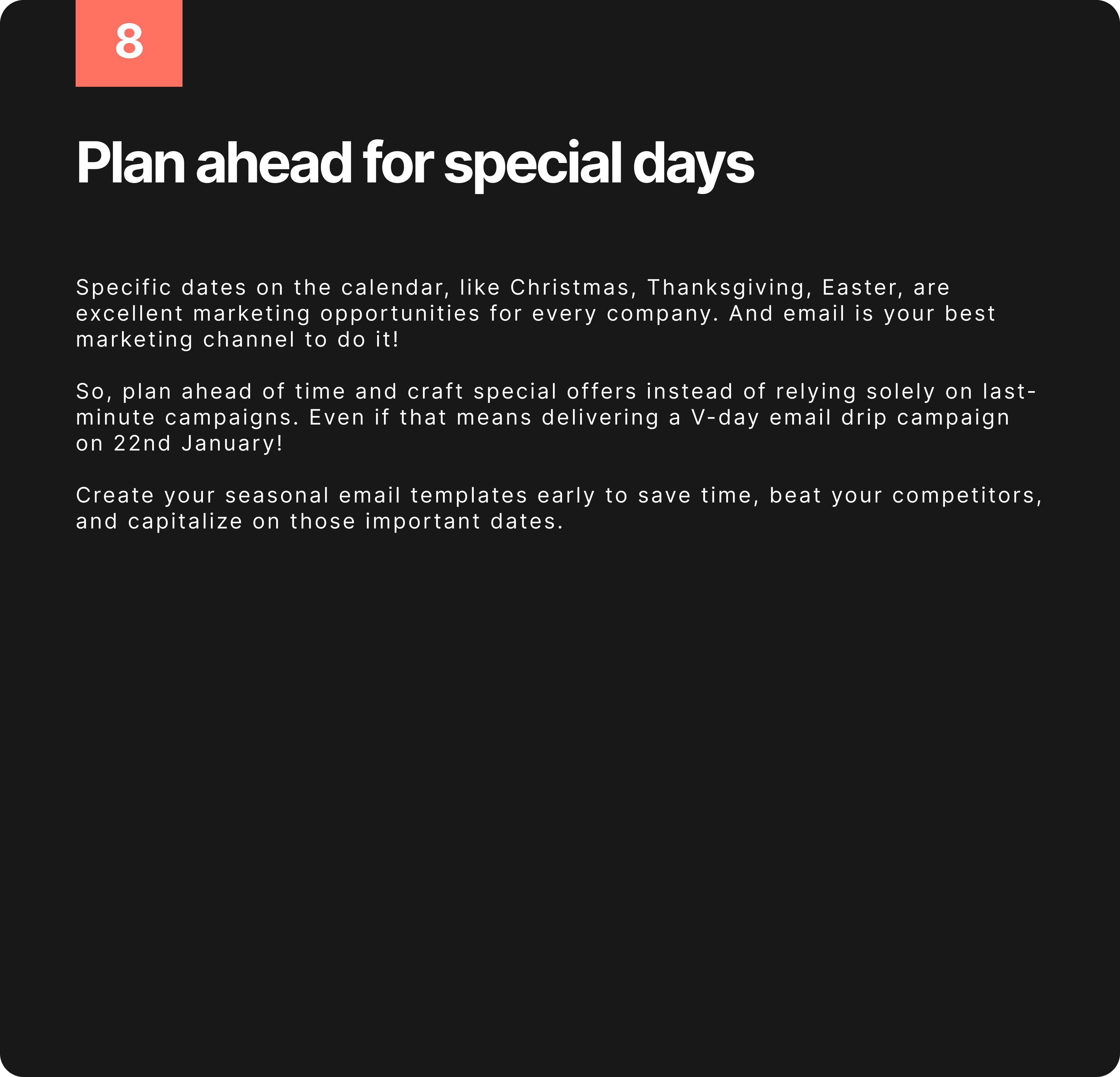
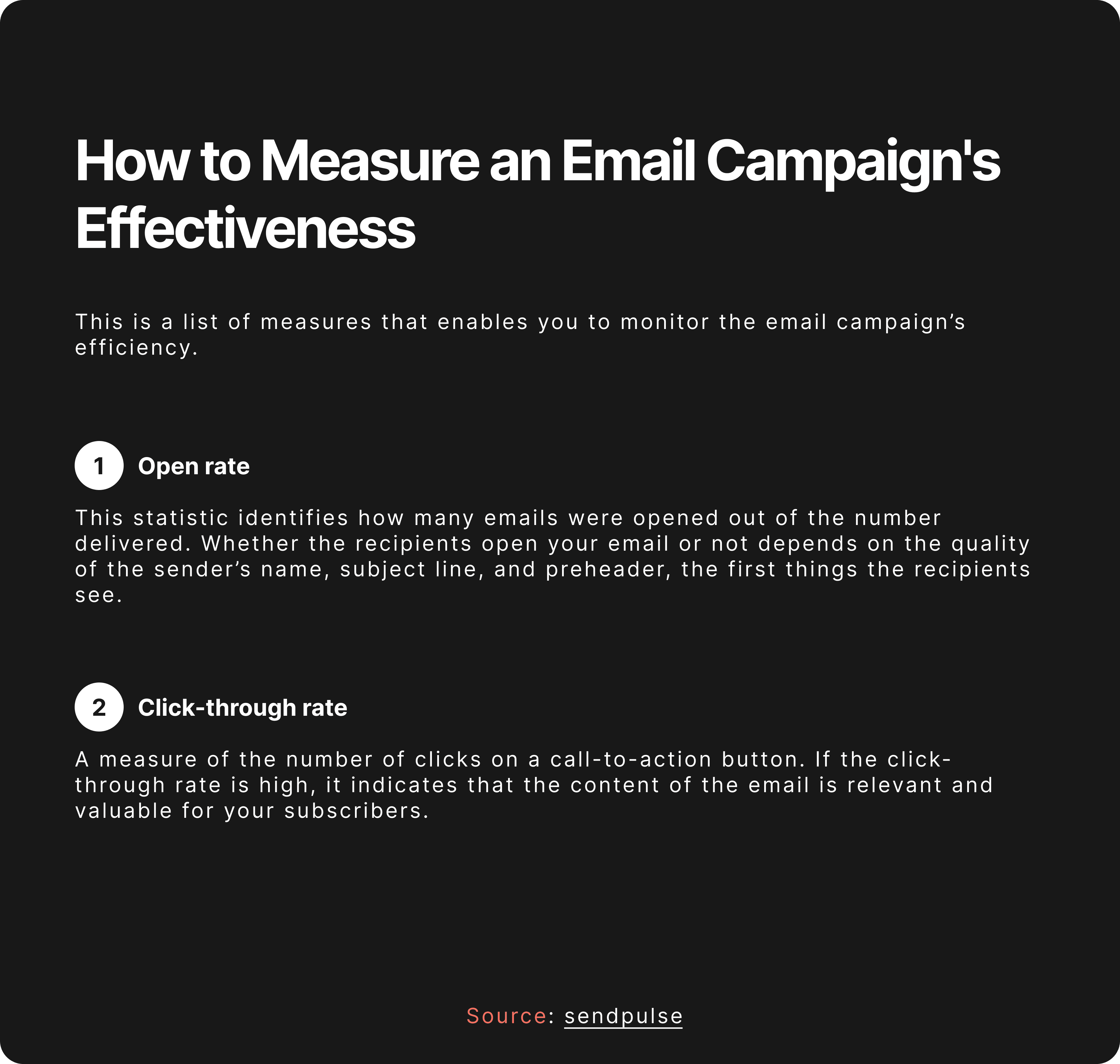
We observed email campaign best practices.
Email campaign is all about giving customers delightful and valuable experiences that keep them engaged with your brand and product.
Making your email subscribers feel special is a great way to generate excitement for the content or offers you send them.
Here’s a compilation of best practices for email campaigns:



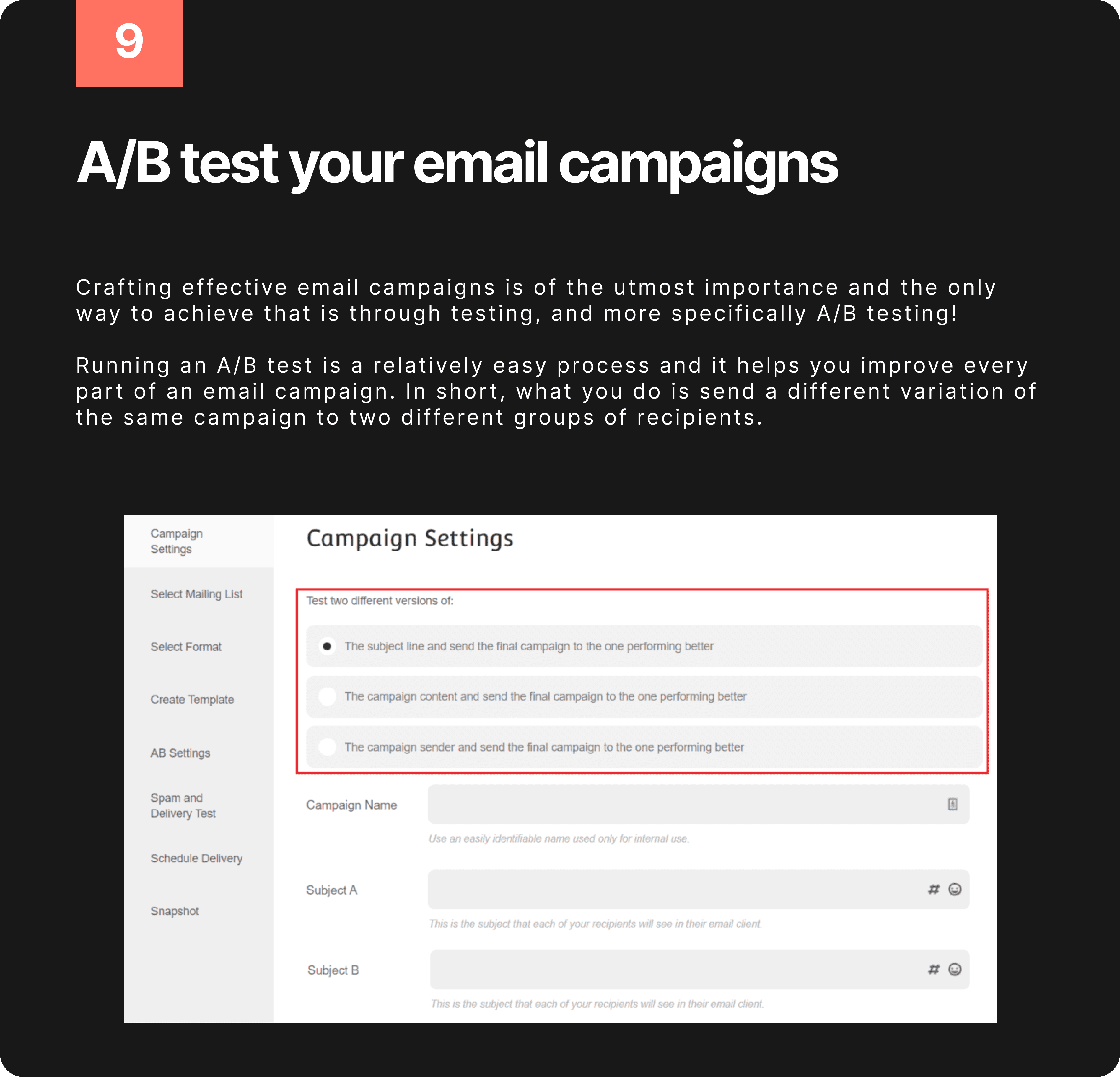


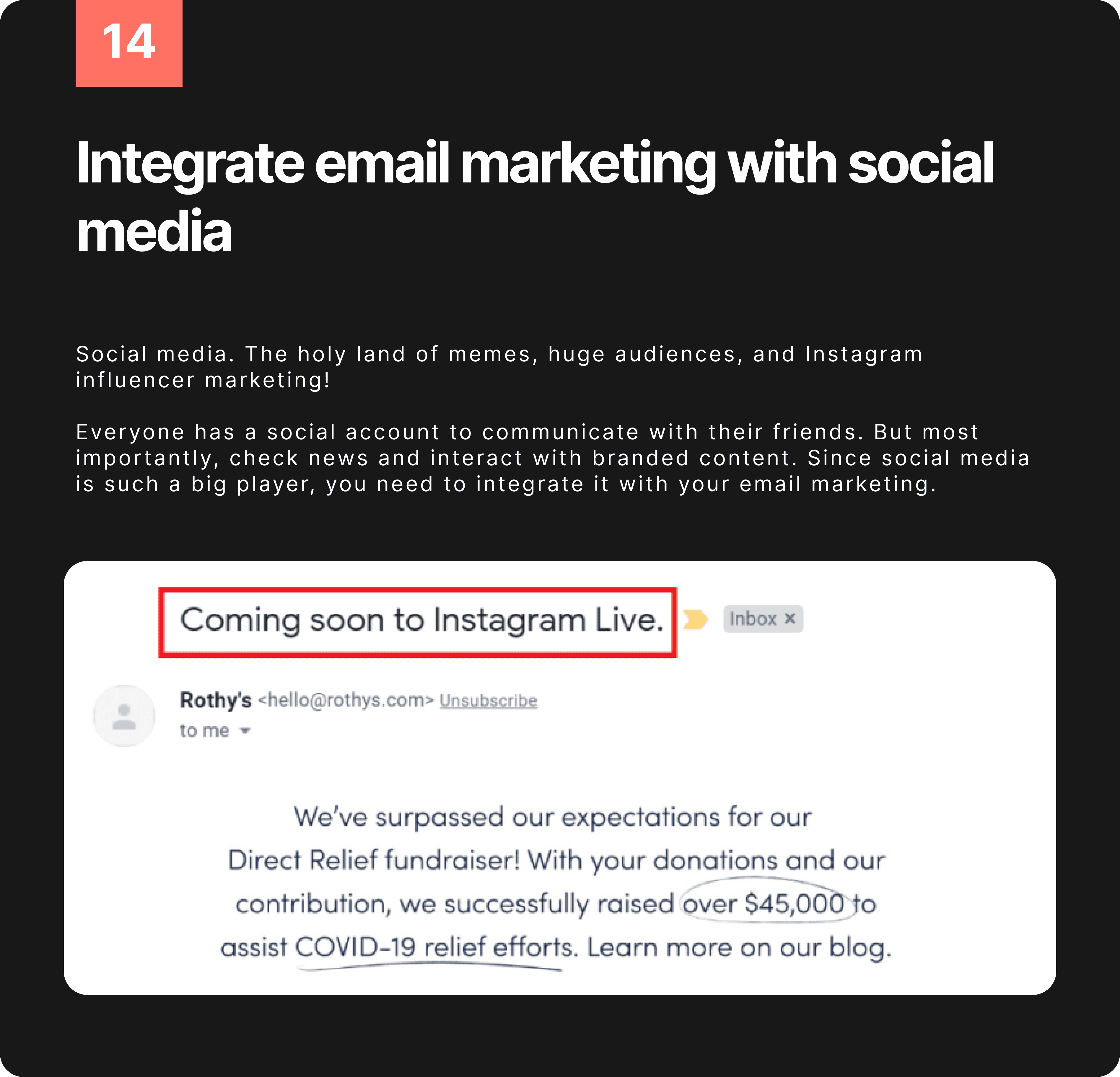


Identify Themes.
Tell Stories
personas
Define Insights
Identifying Themes

User Stories
Rob Recruiter's Task: Sending Templated Messages to Guidance Counselors
As Rob, I want the ability to send templated messages to the Guidance counselors at the 30 high schools in my territory without writing each one individually.
I need a straightforward process to send one-off emails to my Contacts, similar to what I can do in Applications.
Additionally, I would like clear guidance on how to create a campaign in the Marketing module for my specific list of Contacts.
Mary Marketer's Task: Managing Scheduled Emails and Monitoring Engagement
As Mary, I want the capability to schedule emails in advance and easily verify that the correct emails are active according to my annual communication plan.
I need a clear overview of all sent and upcoming emails in the Marketing module without having to drill into each individual item.
I also want better visibility into email engagement rates and a straightforward way to adjust content or audience based on the engagement data.
Paula Professor's Task: Sending Individualized Follow-Up Emails
As Paula, I want a simple and familiar experience similar to writing an email in Outlook to send follow-up messages to my top 3 applicants for the TA position.
I prefer to send these messages one by one, utilizing variables and testing content isn't a priority for me.
The process should be user-friendly and mirror my experience with common email platforms.



Marketing Module: Cumbersome workflow and missing features discourage users from utilizing the Marketing module effectively for both common communications and dynamic campaigns.
Problem:
The current Marketing module workflow is long and cumbersome, making it difficult for users to:
Send one-off bulk messages: Users lack a streamlined way to send quick, non-campaign-specific messages to groups of contacts.
Edit and test email content easily: The existing process for making changes and testing email content is inefficient and not user-friendly.
Track engagement effectively: The interface needs improvement to provide a clear and at-a-glance view of email engagement metrics for both individual contacts and overall campaigns.
Impact:
Users are less likely to use the Marketing module due to its cumbersome workflow and lack of desired features.
This reduces the effectiveness of communication and marketing efforts.
Users have difficulty measuring the success of their campaigns and making adjustments.
Exploring different flows through Comparative Analysis
How might we improve the process of creating an account?


How might we improve the process of onboarding users


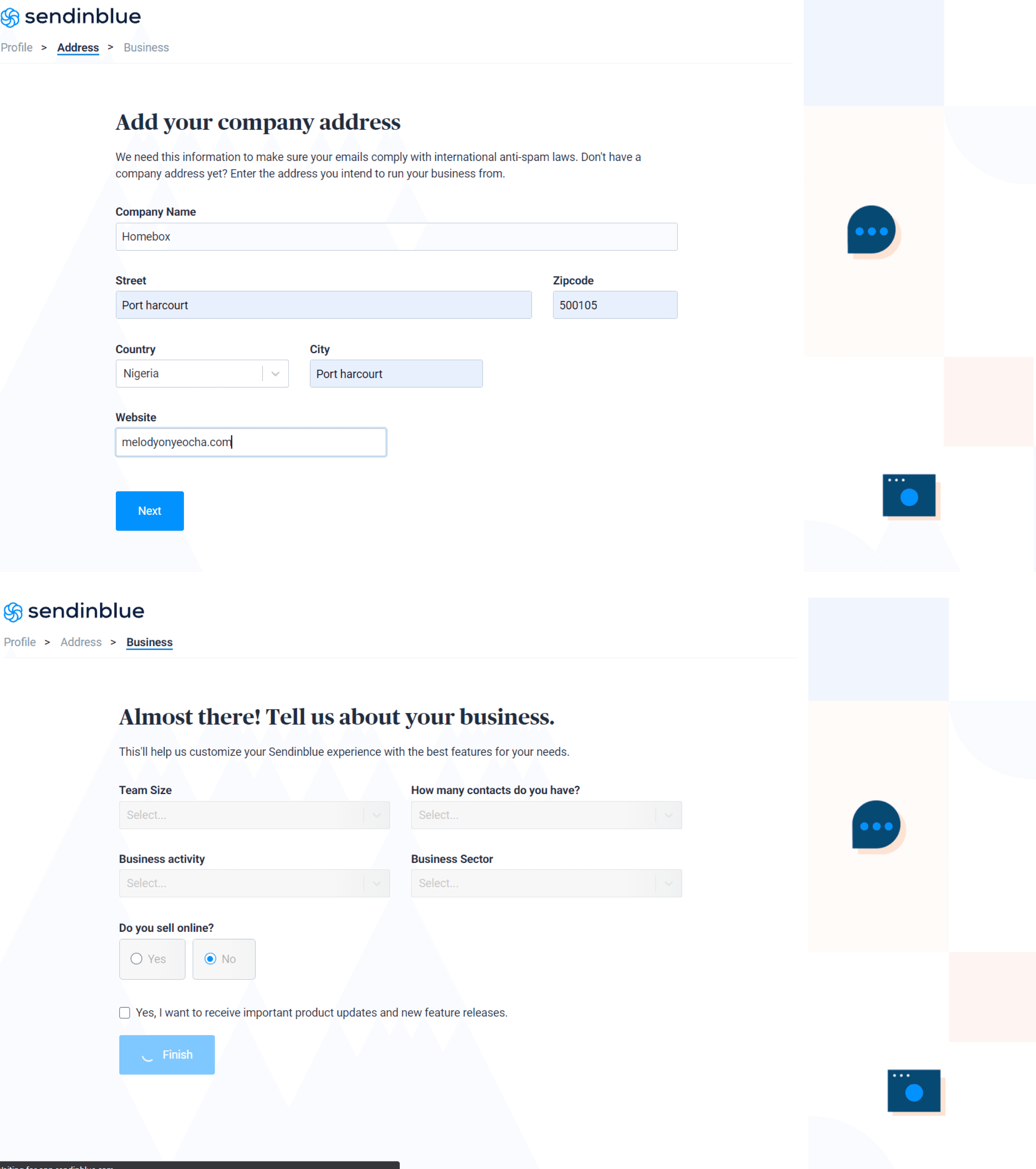
How can we enhance the Contact import procedure?


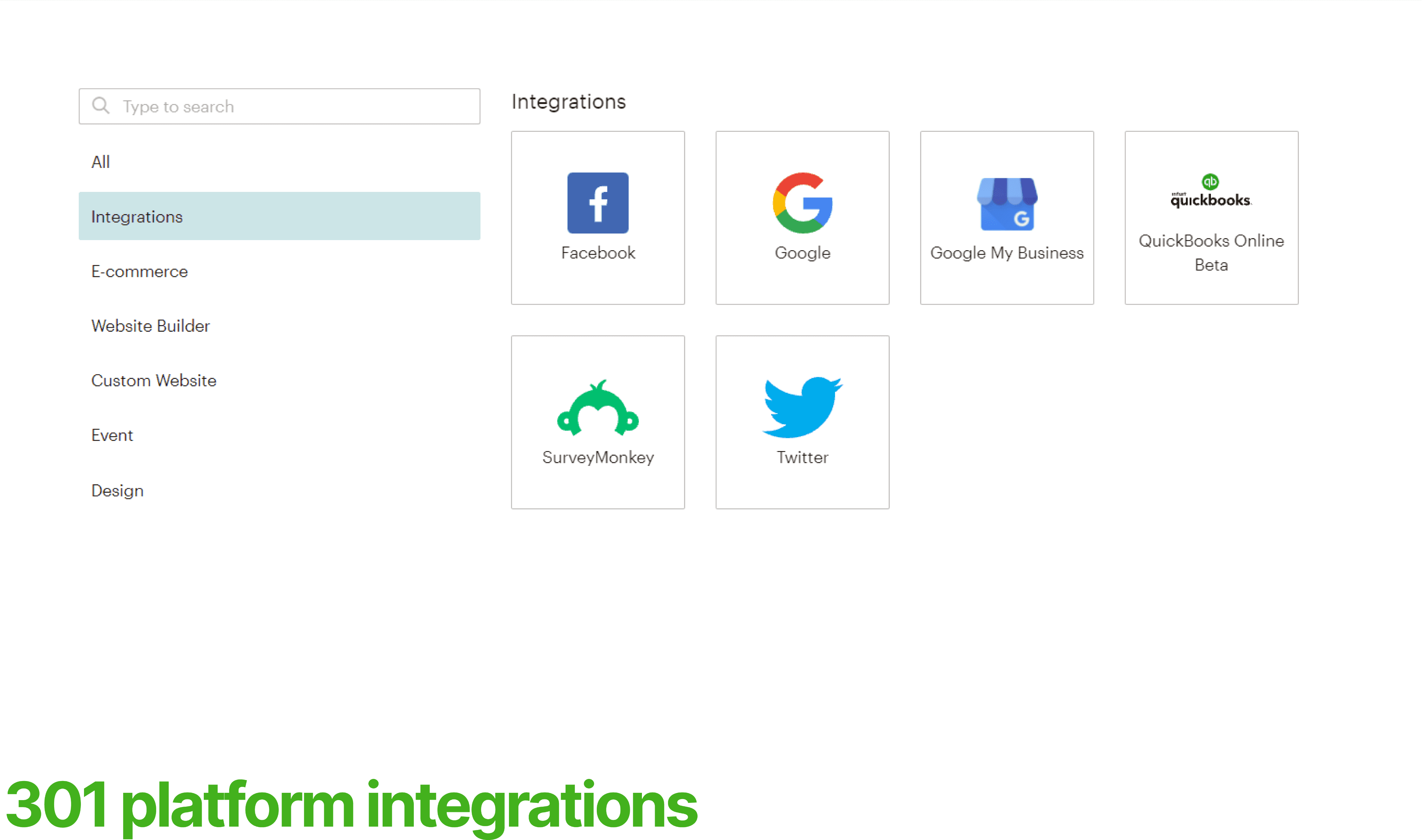
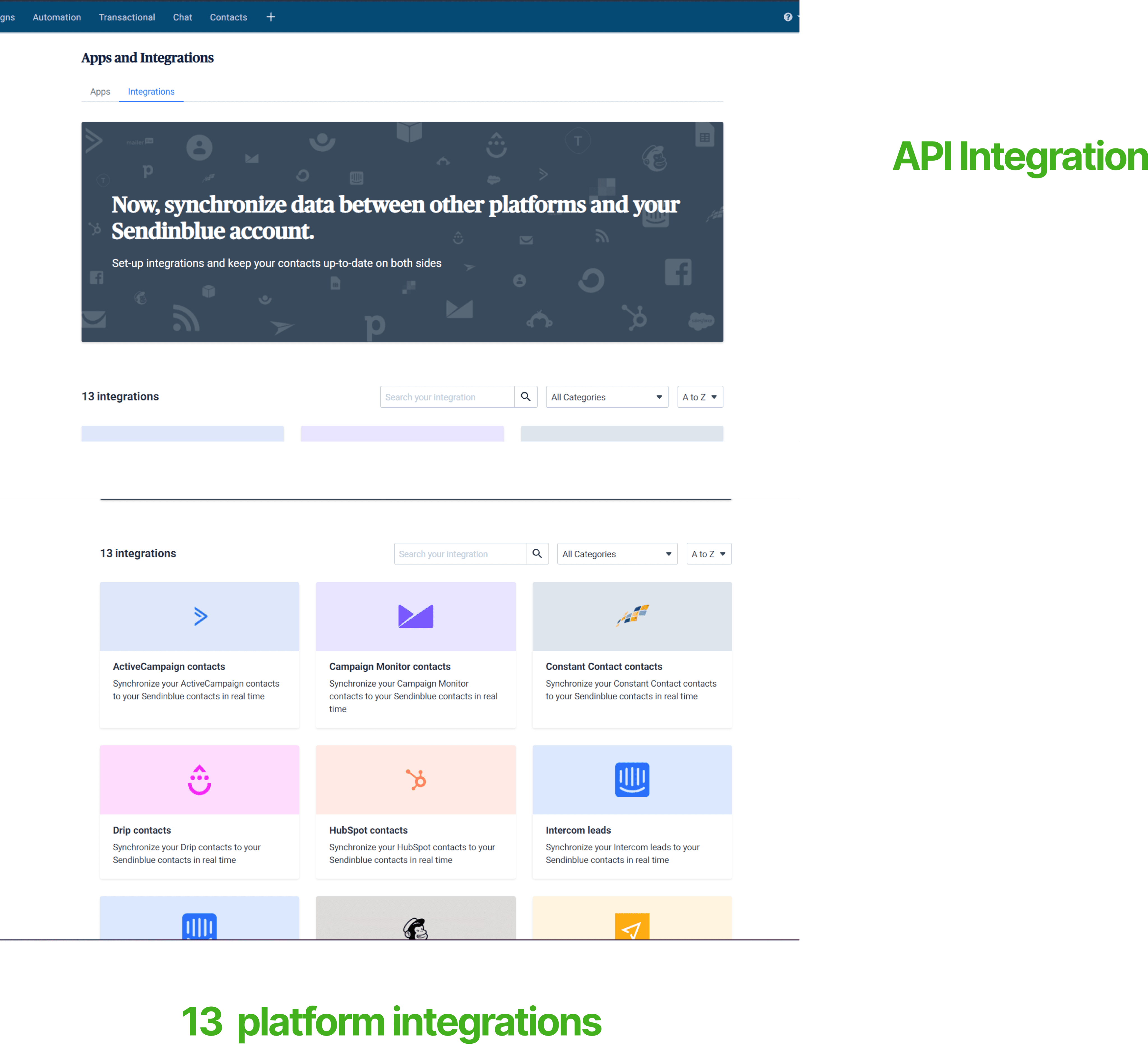
How might we optimize the integration process with other services?


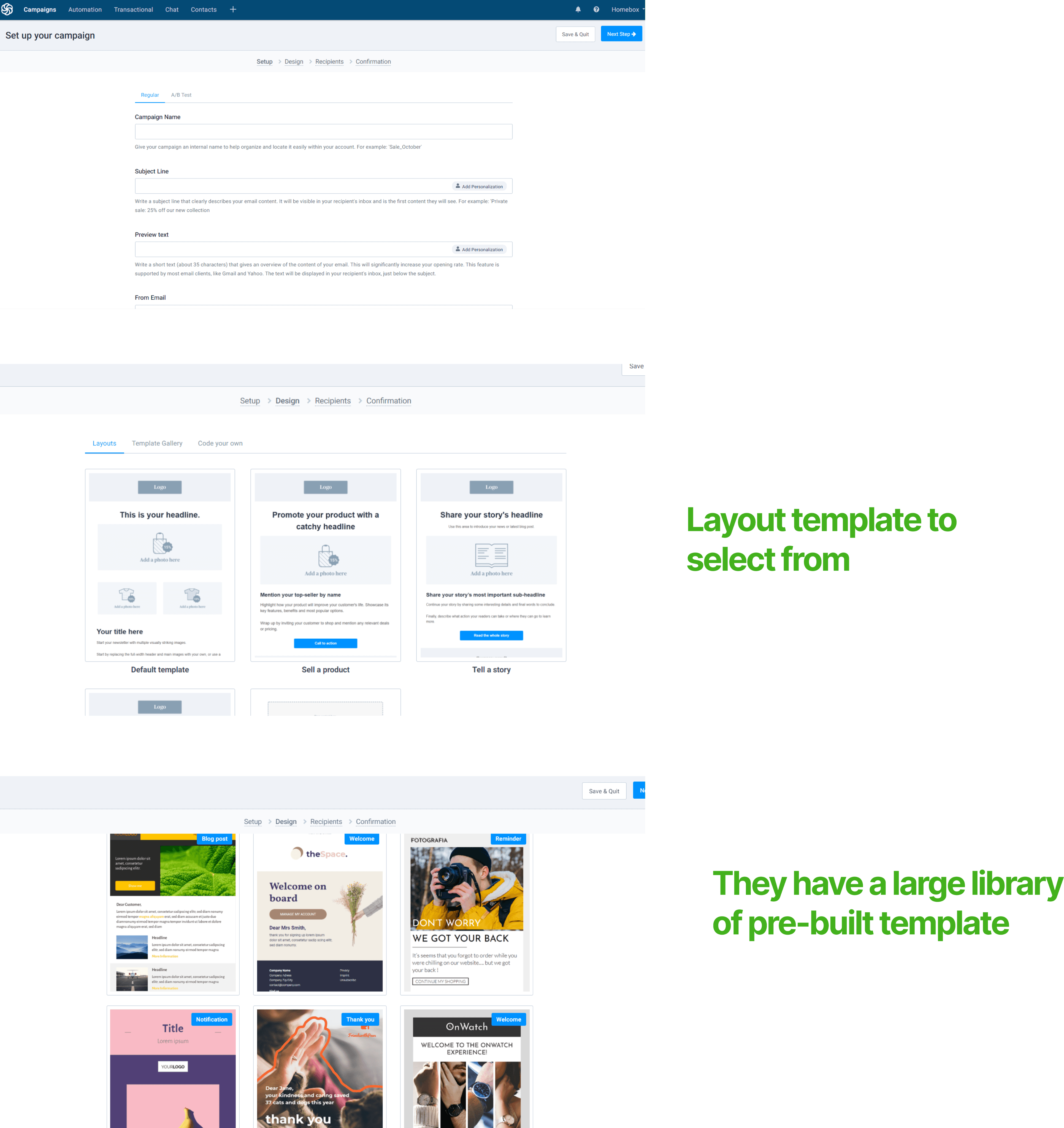
How might we improve the process of creating email campaigns?



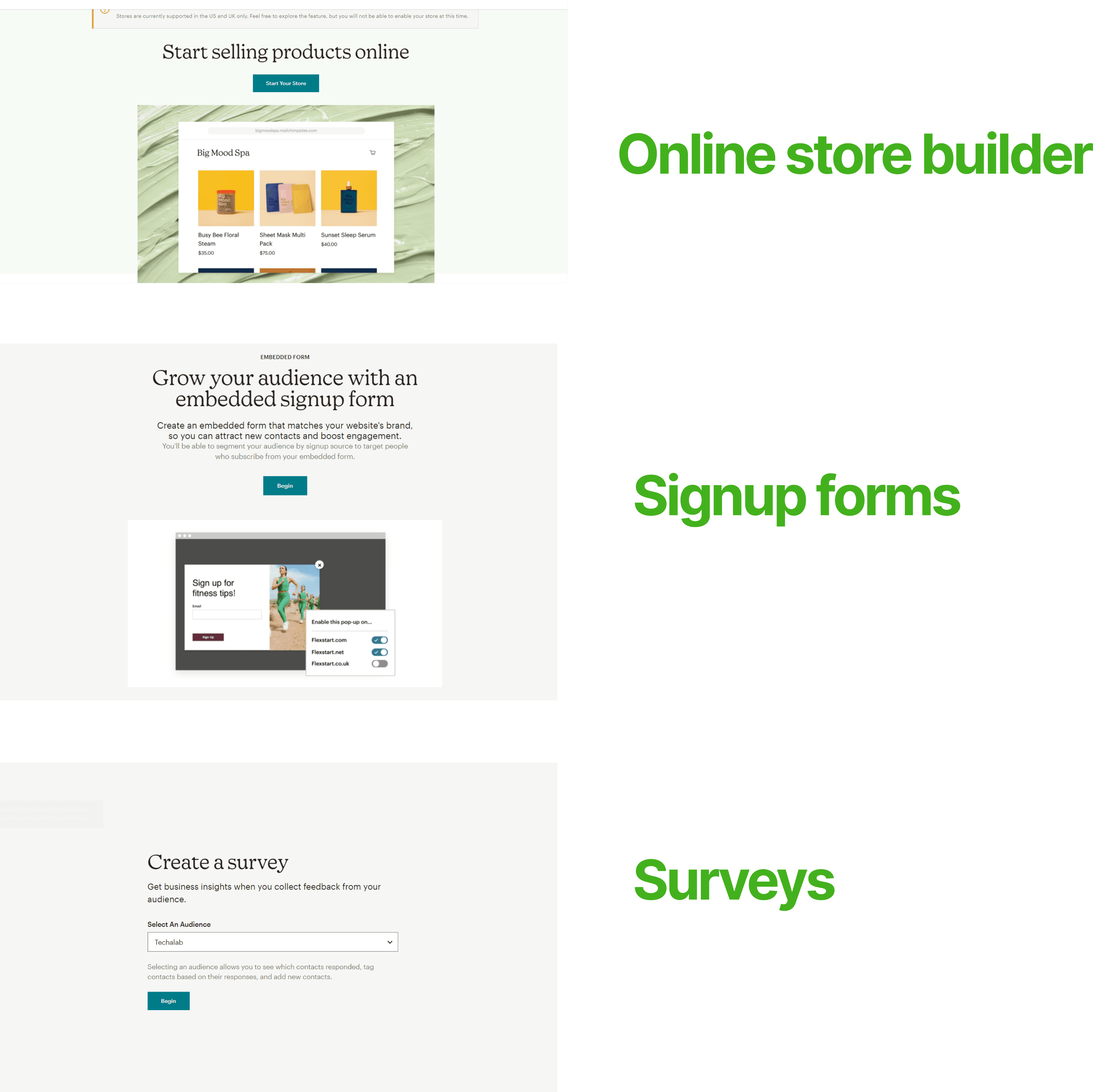
How might we improve and bring in features



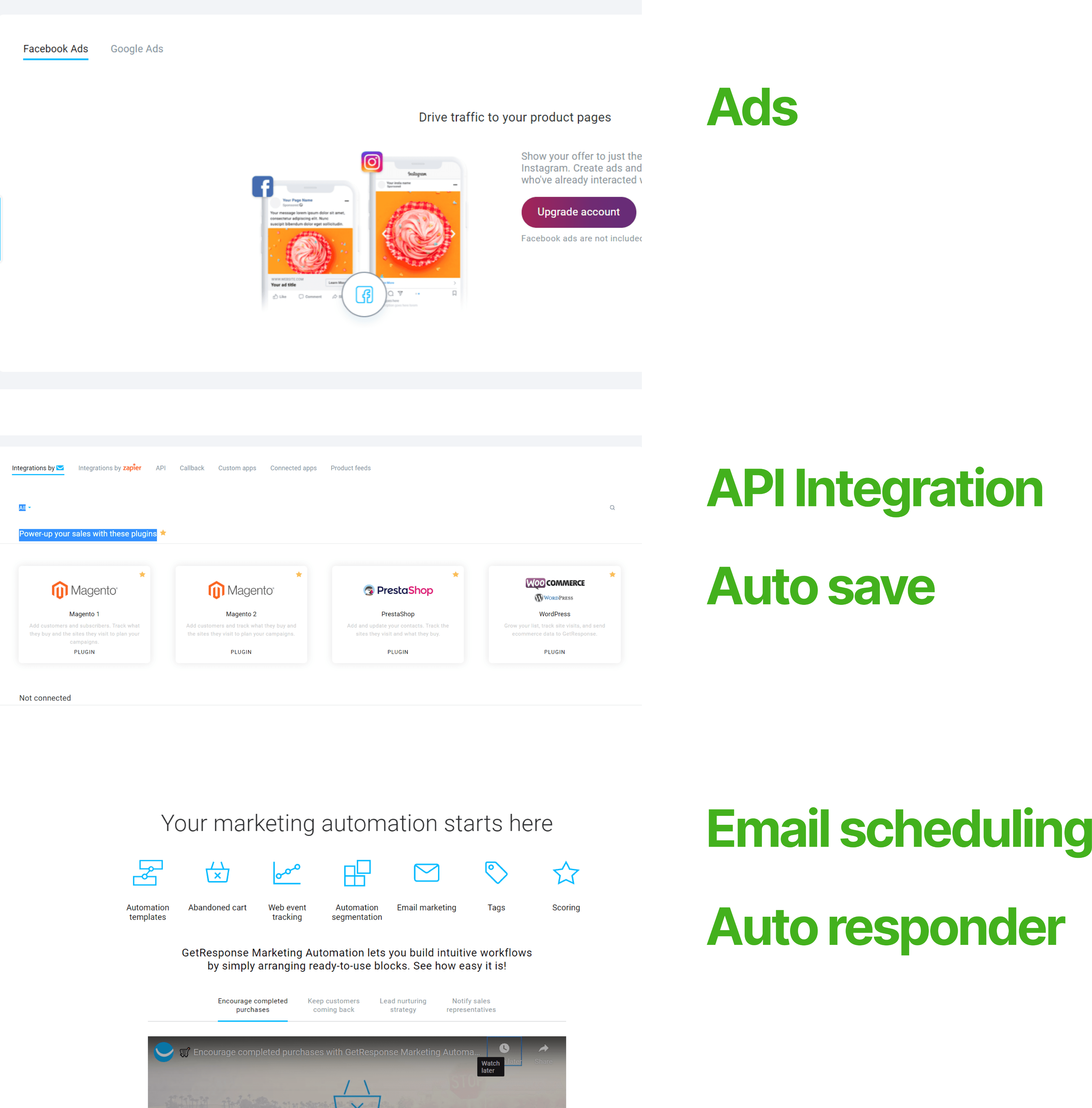


Solution: Enhance the Marketing module with features and improvements to address these pain points: We came up with different solutions for a better experience for our users after our research and comparative analysis, with some specific features requested after the user test.
Global Navigation Changes:
New Tabs: "Conversations" for two-way messaging and "Messages" for all one-off outbound messages.
Submenu under renamed "Marketing": "Messages" for one-off emails, "Campaigns" for multichannel campaigns, and "Templates" for email and print.
New Bulk Messages Module:
Grid view of all sent, scheduled, or draft messages from various sources (Contacts, Marketing campaigns, Applications, etc.).
Easy authoring of single messages with audience selection, content creation (including templates and custom writing), preview/test, and send/schedule options.
Updated Campaign Screens:
Grid view with new columns/filters (number of messages, sent messages, records, open/click rates, last sent) for a better campaign overview.
Hyperlinks to open the Messages module filtered by campaign and expand the accordion table of tracks within the campaign.
In the design phase, our main goal is to add features that directly address what users need for a clear and engaging experience. We want to bring in design elements that make it easy and enjoyable for users to move around the system and get things done smoothly.
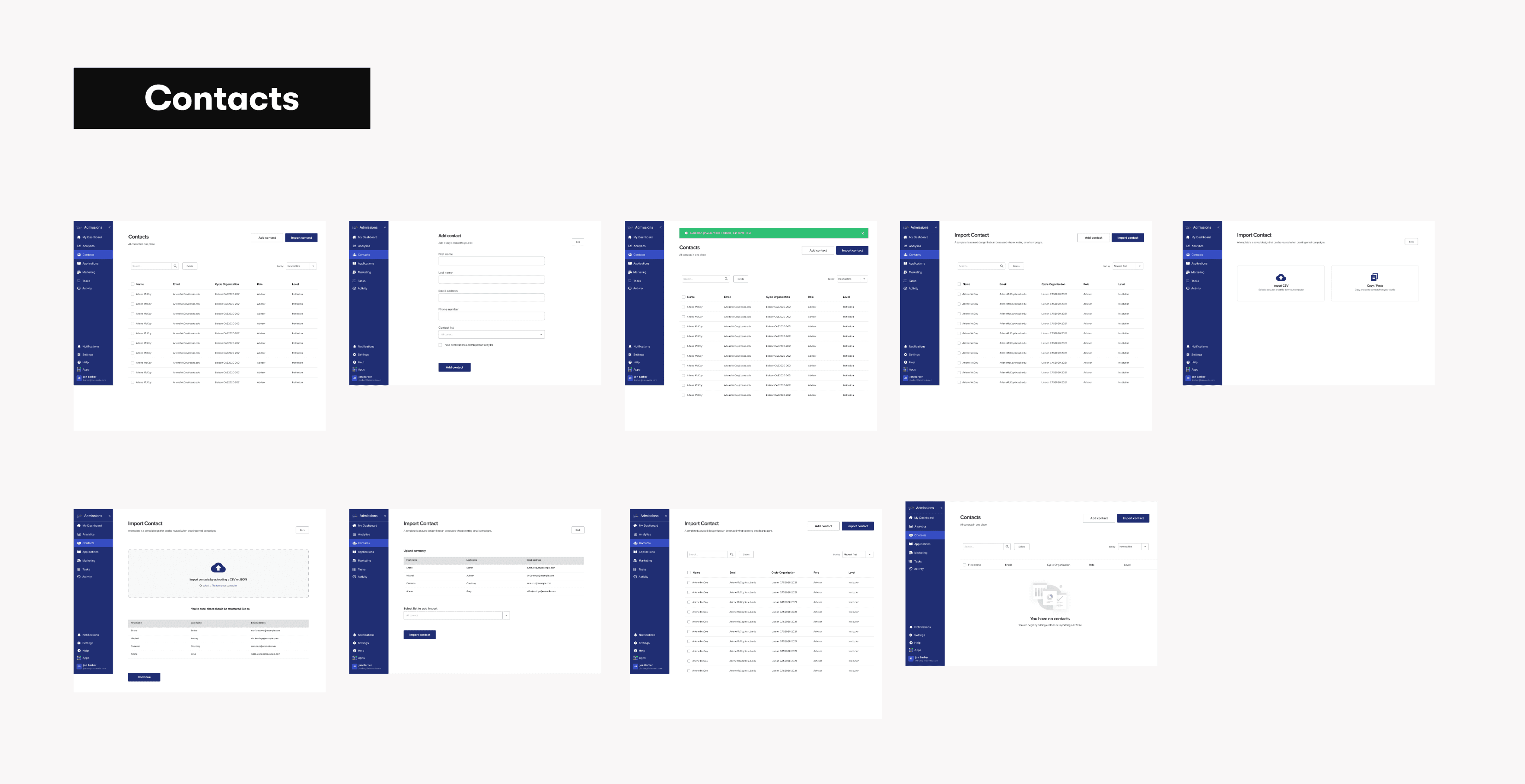

In the evolving stage of our product, we're enhancing user experience by continuously introducing intuitive features, improving navigation, and ensuring a seamless, enjoyable interaction with the system. The focus is on addressing user needs for clarity and engagement, aiming to make the overall experience more user-friendly